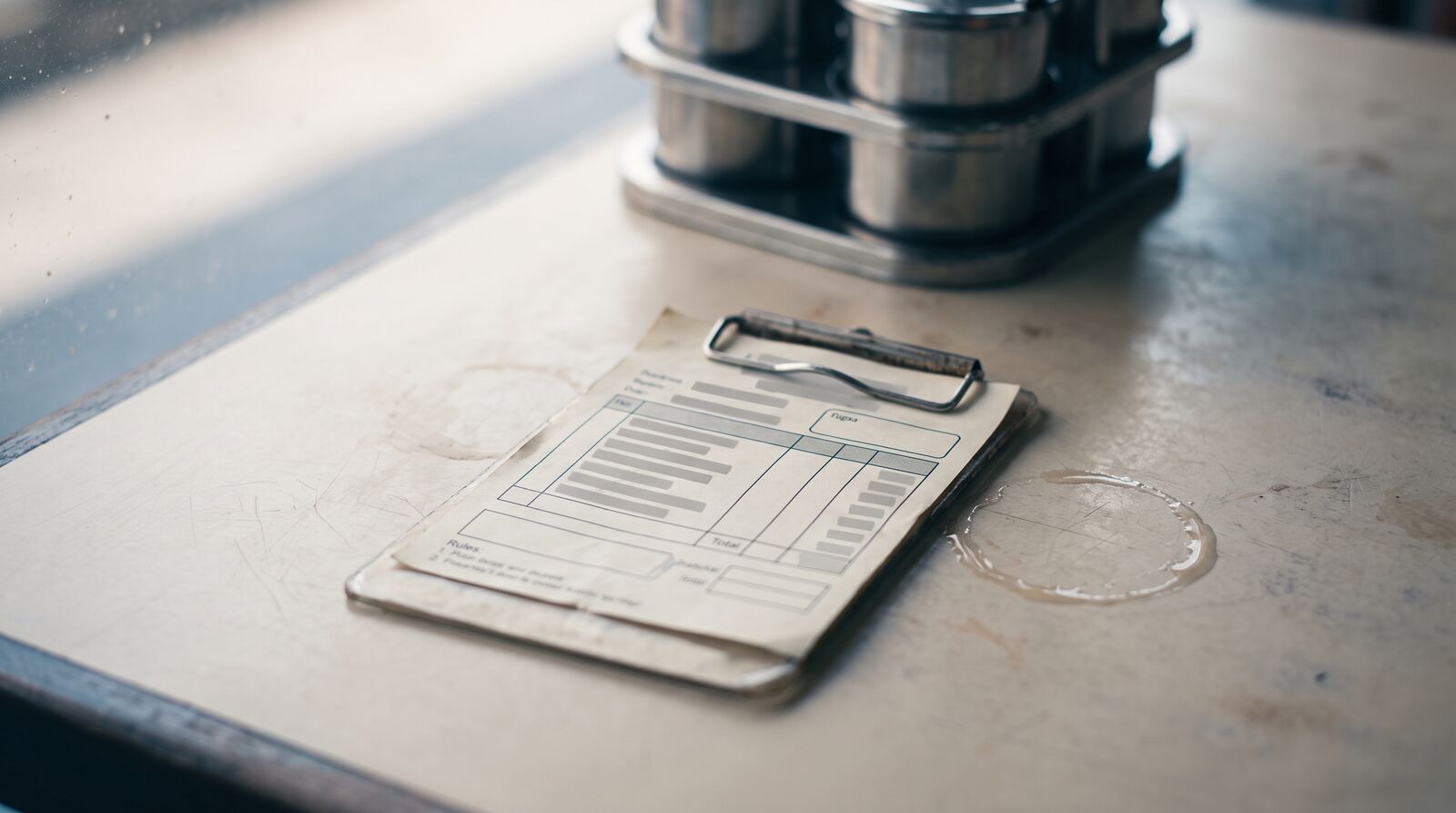
Why restaurants have it harder
Most businesses issue a handful of invoices per day. Restaurants can issue dozens to hundreds — every dine-in bill, takeaway order, and delivery transaction is a potential e-invoice. Combine that with peak-hour pressure, mixed payment methods, and a staff that is trained to cook, not to navigate tax portals, and you have a real compliance challenge.
LHDN's MyInvois rollout affects many Malaysian F&B businesses, but the exact obligation depends on your turnover band, implementation phase, and whether a specific exemption applies. High-volume, low-value transactions still need to follow the correct MyInvois treatment once your business is in scope.
The daily challenges restaurants face
High transaction volume
A busy restaurant might serve 200-400 covers per day. Each transaction is an e-invoice. Manually entering these on the MyInvois portal is not realistic — it would take longer than the actual meal service.
Cash vs card payments
Many Malaysian restaurants still handle a significant portion of transactions in cash. E-invoicing requirements apply regardless of payment method. Whether a customer pays with cash, credit card, e-wallet, or a combination, the e-invoice must be submitted to LHDN.
| Payment Method | E-Invoice Required? | Special Considerations |
|---|---|---|
| Cash | Yes | No digital trail — must be captured at POS |
| Credit/Debit Card | Yes | Transaction reference can be included |
| E-Wallet (Touch 'n Go, GrabPay) | Yes | Transaction ID from e-wallet provider |
| Mixed (partial cash + card) | Yes | Single e-invoice covers the full amount |
Consolidated vs individual invoices
For B2C transactions (selling directly to individual consumers), LHDN allows consolidated e-invoices. This means you can batch all transactions for a given period into a single e-invoice submission, rather than submitting one per customer.
However, if a customer requests an individual e-invoice (for example, a business lunch they need to expense), you must issue one. This creates a dual workflow: most transactions go into the consolidated batch, but some need individual treatment.
Split bills and service charges
Restaurants commonly handle split bills, service charges (typically 10%), and SST (6% for applicable establishments). Each of these affects the e-invoice calculation:
- Split bills: The e-invoice is for the full table amount. How customers divide payment among themselves is not reflected in the e-invoice.
- Service charge: Included as a separate line item with the appropriate tax treatment.
- SST: Must be correctly calculated and broken out in the tax summary fields.
- Rounding: Malaysian rounding rules (to the nearest 5 sen) must be reflected in the rounding amount field.
POS integration is the key
The only practical way for a restaurant to comply with MyInvois is to have the e-invoice generated automatically from the POS system. Here is what that workflow looks like:
- Staff takes order — Business as usual, no change to process
- Bill is generated — POS calculates totals, tax, service charge
- Customer pays — Cash, card, or e-wallet
- POS triggers e-invoice — Behind the scenes, the POS (or a connected app) formats the data into UBL 2.1 and submits to MyInvois via API
- LHDN validates — The e-invoice is accepted (or rejected with error details)
- Receipt includes QR code — The customer receives a receipt with a QR code linking to the validated e-invoice
The critical point: staff should not need to do anything extra. If your e-invoicing setup requires waiters to fill in fields or click additional buttons, it will break down during a Friday dinner rush.
Handling consolidated e-invoices
For most restaurant transactions, here is the recommended approach:
Daily consolidation
At the end of each business day, consolidate all B2C transactions (where no individual e-invoice was requested) into a single consolidated e-invoice. This dramatically reduces the number of submissions while remaining compliant.
What to include in the consolidated e-invoice
- Buyer TIN: Use the general public TIN (
EI00000000010) - Buyer name: "Consolidated B2C sales"
- Line items: Can be summarized by category (food, beverages, service charge) rather than listing every individual dish
- Total amounts: Sum of all transactions for the day
- Tax breakdown: Aggregated SST and service charge totals
When individual e-invoices are mandatory
- The customer provides their TIN and requests an e-invoice
- The transaction is B2B (another business is paying)
- The transaction exceeds any threshold you set for automatic individual invoicing
Bulk submission tips
If you do need to submit multiple individual e-invoices (for example, you handle a lot of corporate catering orders), here are practical tips:
- Use API submission, not the portal — The MyInvois portal limits CSV uploads to 100 documents. API submission has no such limit.
- Submit in batches during off-peak hours — Queue up invoices during service and submit in bulk after the lunch or dinner rush.
- Validate before submitting — Pre-validate all 55 fields before sending to LHDN. A single missing field rejects the entire document.
- Keep your product catalog clean — Pre-configure your menu items with the correct MSIC codes, tax types, and unit measurements. This eliminates per-transaction data entry.
What happens when things go wrong
Mistakes are inevitable in a high-volume environment. Here is how to handle common restaurant scenarios:
Wrong amount on a bill
If caught within 72 hours of LHDN validation: cancel the e-invoice and resubmit. If caught after: issue a credit note for the difference.
Customer requests a refund
Issue a refund note through MyInvois, referencing the original e-invoice number. This is a separate document type (code 04) that must go through the same validation process.
Voided order after e-invoice was submitted
If the POS already triggered an e-invoice submission but the order was voided (customer walked out, kitchen error), cancel the e-invoice within the 72-hour window.
Getting started
For restaurants, the priority is choosing an e-invoicing solution that integrates with your existing POS system and handles the complexity automatically. Finvo handles the UBL formatting, the consolidated invoice itself, and the 72-hour window for cancellations — so your team can focus on food, not tax forms. Two things worth being straight about: there is no direct till integration, so the day's takings are keyed in or imported from a CSV export, and bulk submission across several businesses at once is a Partner-tier capability aimed at accounting firms rather than at a single restaurant.
The key takeaway: automate everything. Restaurants cannot afford a manual e-invoicing process. The volume is too high, the pace is too fast, and the margin for error is too thin.